How Job Seekers Can Use LinkedIn Banners to Stand Out
A LinkedIn banner may not get you hired by itself, but it can help recruiters and hiring managers understand your direction faster and view your profile as more polished, intentional, and complete.
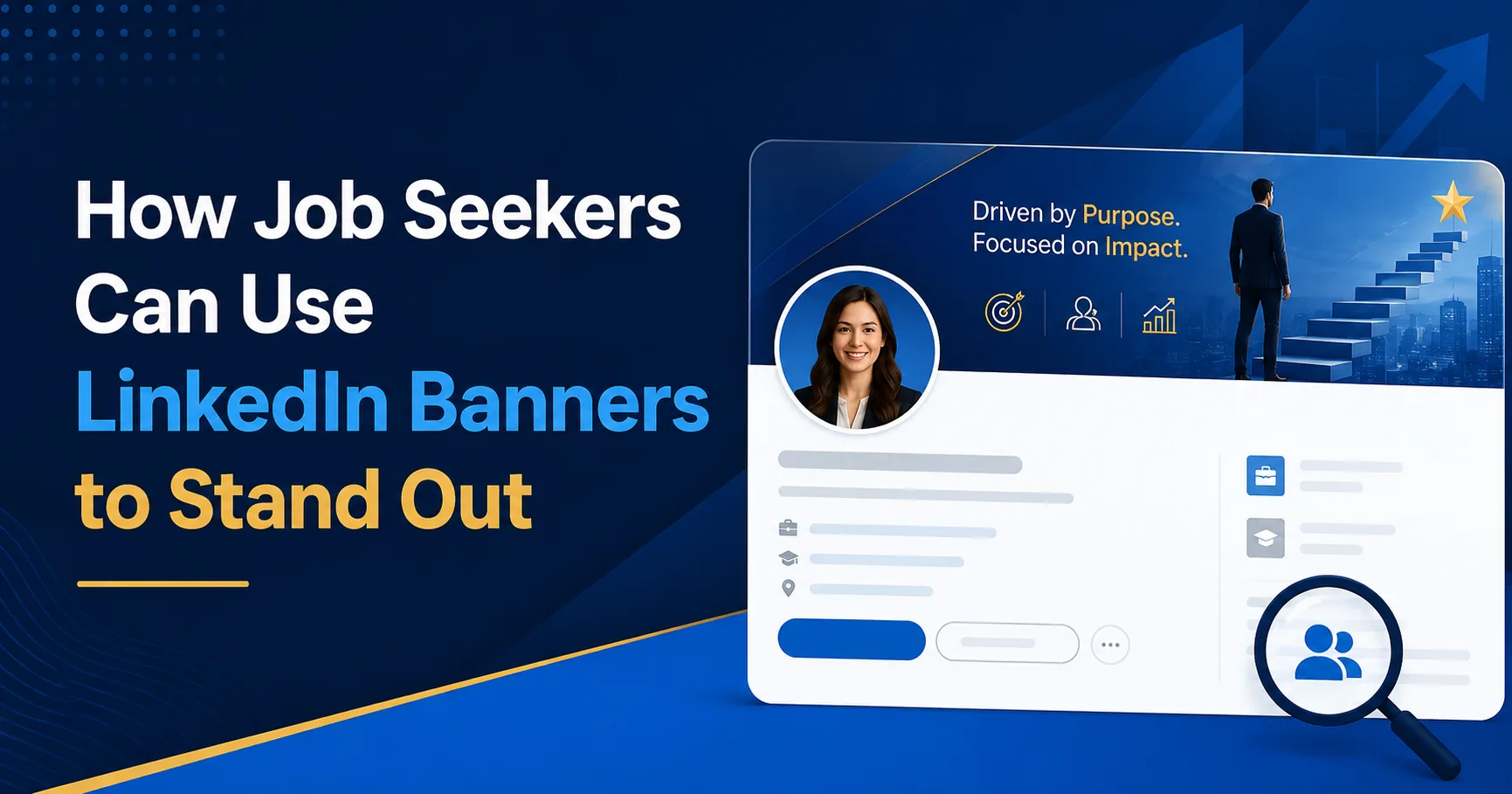
When you are looking for a job, your LinkedIn profile often becomes one of your most important digital assets. Recruiters may review it before contacting you. Hiring managers may compare it with other candidates. People in your network may visit it after reading a comment or receiving a connection request. In those moments, you want your profile to feel clear, professional, and aligned with the kind of role you are targeting. That is where a thoughtful LinkedIn banner can help.
Many job seekers focus only on the headline and experience sections, which is understandable because those areas carry obvious weight. However, the background banner plays a supporting role that can still influence perception. A custom banner can help your profile look complete, communicate professional direction, and reinforce the message in your headline. When used well, it can make you appear more focused and more memorable.
Why a Banner Matters for Job Seekers
Recruiters review a large number of profiles. They move quickly and often rely on visual cues before reading deeply. A blank banner will not ruin your chances, but it does not help you either. In contrast, a banner that reflects your role, field, or value can make your profile look more prepared.
This matters because job searching is partly about presentation. You are not only showing skills and experience. You are also showing that you understand professional communication. A clean banner signals effort. It suggests that you took time to think about how you present yourself online.
Use the Banner to Clarify Your Career Direction
One of the biggest challenges for job seekers is making their direction obvious. If a recruiter lands on your profile, can they quickly tell what kind of role you want? Your headline helps, but your banner can reinforce that direction visually.
For example, a digital marketing candidate might use a banner that references strategy, content, analytics, or campaign growth. A project manager could use a design that hints at process, delivery, and cross-functional leadership. A software engineer may want a modern, clean visual identity that reflects technology and problem solving. A finance professional may benefit from a more structured, minimal banner that conveys trust and professionalism.
The banner should not try to show everything. It should simply support your core positioning. One short line, one focused theme, and a professional layout are often enough.
Make Your Profile Look More Complete
Many job seekers have strong resumes but average-looking LinkedIn profiles. The banner is one of the easiest ways to improve that. A default banner often makes a profile feel unfinished. A custom banner makes it feel maintained. That difference may be subtle, but it can improve the overall impression of your profile.
When a profile looks complete, it becomes easier for recruiters and employers to take it seriously. The banner works together with your profile photo, headline, featured section, and About summary to create that sense of completeness.
Need a custom job seeker banner?
We can design a banner that fits your role, personality, and career direction. Explore our service options or contact us to get started.
What Job Seekers Should Include in a Banner
Job seekers do not need to overcomplicate the design. In fact, the best banners are usually simple. Here are a few elements that can work well:
- Your target role or professional identity
- A short value-based phrase or focus area
- Subtle industry-related imagery or icons
- Clean brand colors or professional neutral tones
- Enough whitespace to keep the design easy to read
You may also include certifications, specialties, or a short keyword cluster if it improves clarity. Just avoid turning the banner into a full mini resume. The goal is to support your message, not crowd the space.
Keep It Professional and Readable
It can be tempting to use strong effects, large illustrations, or heavy text, especially if you want to stand out. However, most job seekers benefit more from clarity than decoration. Use readable fonts, good spacing, and a layout that keeps the most important message visible. Remember that LinkedIn overlays your profile photo on the left side, so important text should usually sit toward the center or right.
If you are unsure about dimensions and safe zones, our LinkedIn Banner Size and Design Guide explains how to structure the banner properly. That is important because even a good design can fail if the text is placed in the wrong area.
Adapt the Banner to the Role You Want
The best banner for a job seeker depends on the role they want, not only the role they had before. If you are transitioning fields, your banner can help communicate that shift. For example, someone moving from general administration into project coordination might use a banner focused on organization, communication, and execution. A marketing graduate applying for brand roles may highlight creativity and strategy. A data analyst may emphasize insight, reporting, and business intelligence.
This is what makes banners useful. They give you a way to reinforce your current direction instead of letting your profile visuals remain generic.
Support the Story in Your Headline and About Section
Your banner should work with the rest of your profile. If your headline says you are a customer success manager helping SaaS teams retain and grow accounts, your banner should not look unrelated or generic. The visual tone, message, and positioning should feel consistent.
That consistency helps create a stronger professional story. It makes it easier for a recruiter to understand who you are, what you want, and where you add value. When all profile elements point in the same direction, your profile feels sharper.
Common Mistakes Job Seekers Should Avoid
One common mistake is adding too much text. Recruiters will not read a crowded banner. Another is using a template that looks stylish but says nothing meaningful. A third mistake is using motivational quotes that do not clarify your professional identity. A banner should support your positioning, not distract from it.
Another issue is ignoring image quality. A blurry banner makes the profile look weaker than it should. If you are using a banner to improve your presentation, the design needs to feel polished.
If you still need help deciding why the banner matters in the first place, read Why Your LinkedIn Background Banner Matters. That article explains how banners influence trust, first impressions, and profile quality more broadly.
Final Thoughts
For job seekers, a LinkedIn banner is not just decoration. It is a practical branding tool. It can make your profile feel more complete, help visitors understand your career direction, and support the message in your headline. It is one of the easiest visual upgrades you can make to your profile, and it often creates a more polished overall impression.
You do not need an overly complex design. You simply need a banner that reflects your professional goal, uses the space well, and looks clean on the platform. When that happens, your profile becomes easier to understand and easier to remember.
If you want a custom banner designed for your job search, reach out to us. We can create a LinkedIn banner that supports your target role and makes your profile look more professional.